
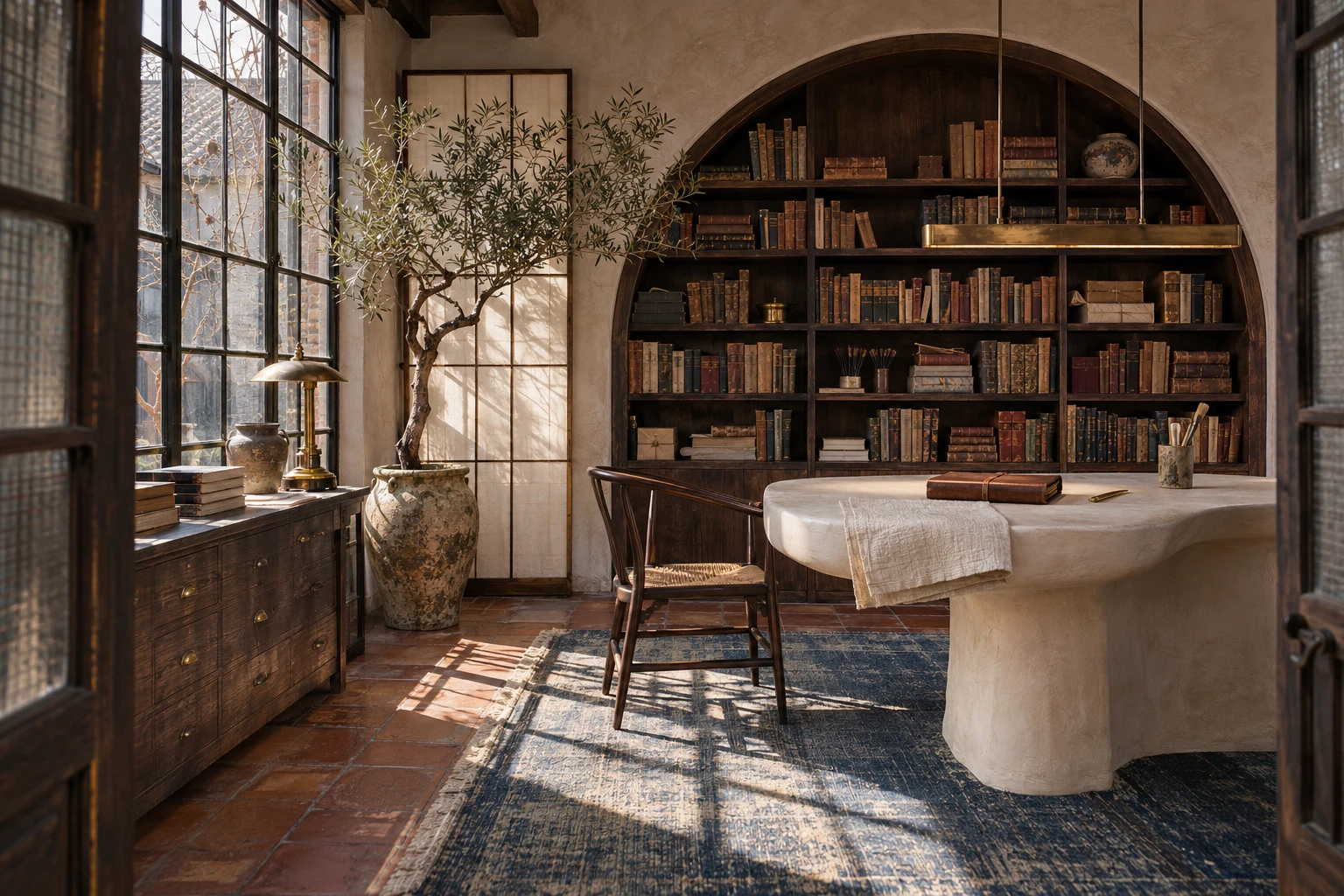
Interior Design and Space Renders
Describe the room, materials, lighting, and camera angle to get a photorealistic interior render for client proposals, listings, or mood boards.
GPT Image 2.6 turns text or reference images into product shots, posters, and brand visuals at 1K to 4K. Flare is faster, Sunburst is more precise, and you can export as PNG, JPEG, WebP, or GIF.
Faster output, steadier results, accurate text and clean detail.
GPT Image 2.6 is about 50% faster than 2.5. With Flare, most 1K images are ready in seconds, so you can test more ideas without waiting.
Characters, products and brand details stay closer to the reference through repeated edits. Useful for campaign sets, product lines and client revisions.
Headlines, packaging copy and UI labels come out clear in English, Chinese, Japanese, Korean, Arabic and more. Text stays sharp on curves and at an angle.
Long prompts with several parts land closer to what you describe. Layouts, charts, icon sets and scenes with many subjects follow your brief with less drift.
See how a prompt or reference image becomes a photorealistic interior render, a clean product shot, or a multilingual poster.
Describe the room, materials, lighting, and camera angle to get a photorealistic interior render for client proposals, listings, or mood boards.
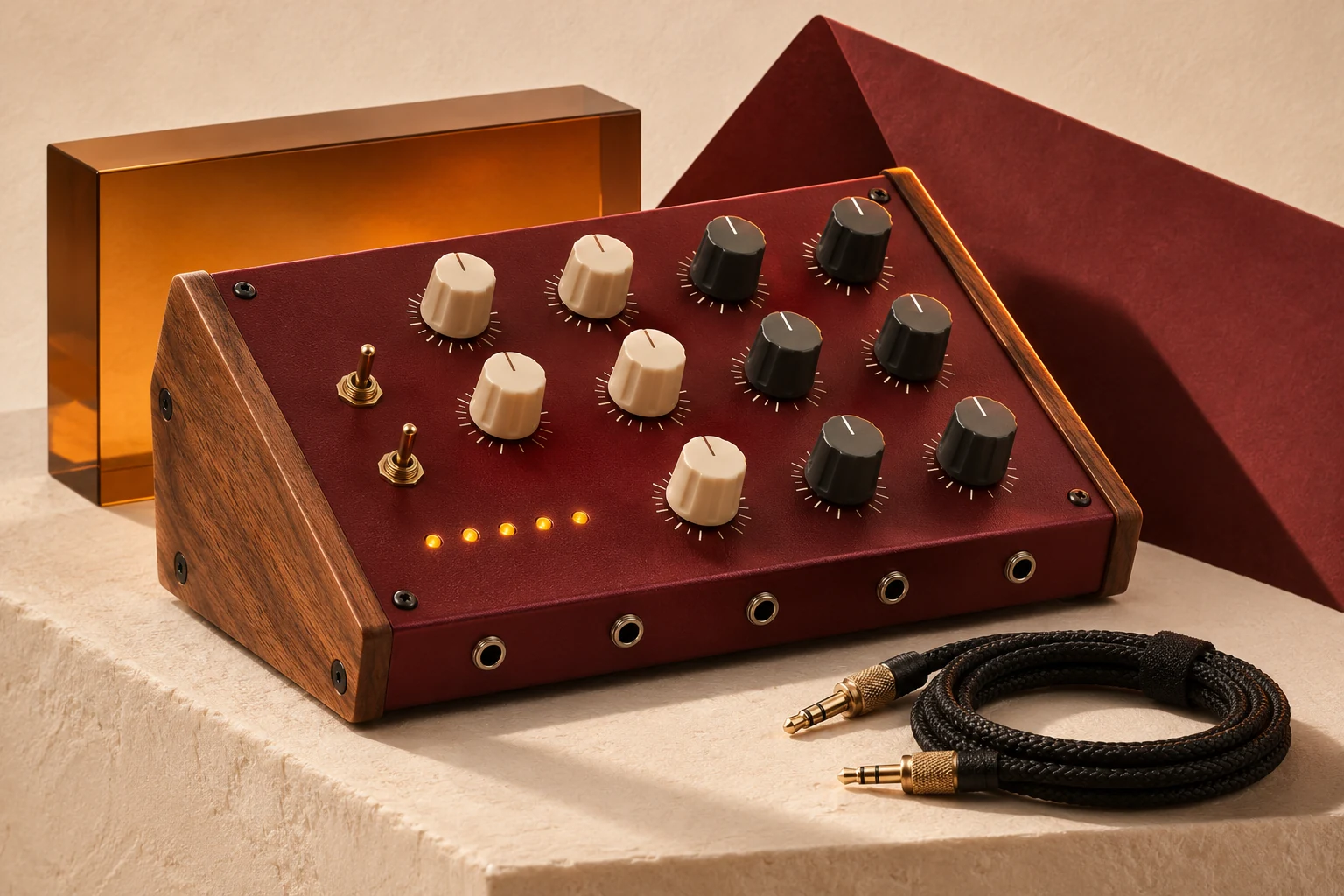
Turn a product photo or a text brief into a clean catalog shot with accurate labels, materials, and lighting, ready for listings and ads.
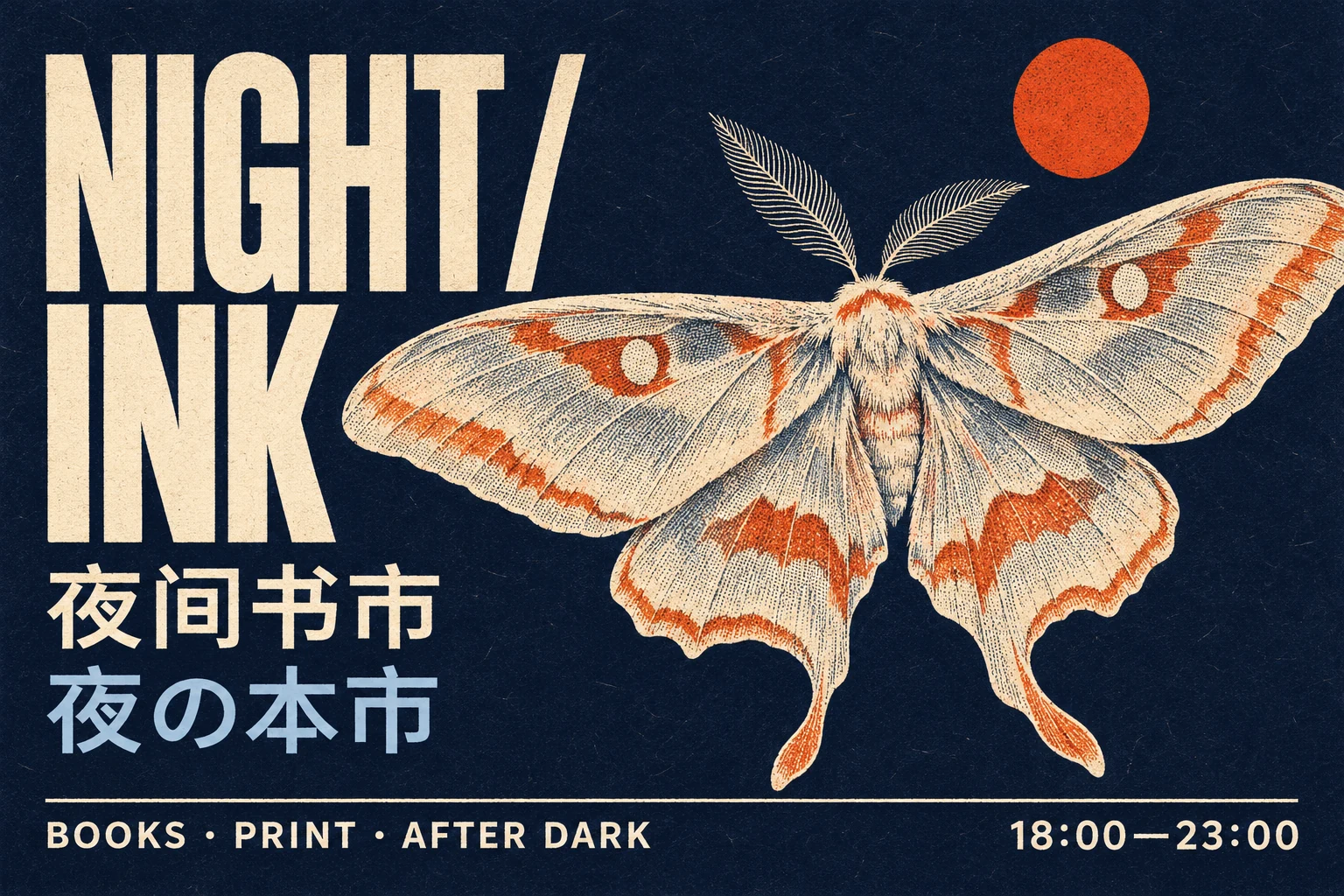
Lay out headlines, menus, and signage in English, Chinese, Japanese, and other languages, with clean lettering and a balanced composition.
What improved in 2.6, and what stayed the same.
| Capability | GPT Image 2.5 | GPT Image 2.6 |
|---|---|---|
| Generation speed | Baseline | About 50% faster, most 1K images in seconds |
| Consistency across edits | Good | Characters, products and brand details hold steadier |
| Detail and text | Sharp | Sharper type and cleaner layout on posters and product shots |
| Models | Flare and Sunburst | Flare and Sunburst |
| Image editing | Up to 16 images | Up to 16 images |
| Resolution | 1K / 2K / 4K | 1K / 2K / 4K |
| Commercial use | Allowed | Allowed |
Three steps: write the prompt, set the model and output, then generate. It runs in your browser, no install and no API key.
Describe the subject, style, lighting, and any text you want in the image. For edits, upload up to 16 reference images and say what to keep or change.
Choose Flare for speed or Sunburst for precise edits. Set 1K to 4K, pick Auto or one of 15 aspect ratios, then choose PNG, JPEG, WebP, or GIF. GIF adds frame count and timing.
Hit Generate. Most 1K images are ready in seconds. Download in your chosen format, or send static images to the upscaler, background remover, or AI video tool.
Quick answers on speed, variants, GIF, exports, credits, and licensing.
GPT Image 2.6 is OpenAI's image model for turning text or reference photos into product shots, posters, packaging mockups, and character sets. It has two variants, Flare for speed and Sunburst for precise edits, and outputs up to 4K in PNG, JPEG, WebP, or GIF.
Three things you will notice: it is about 50% faster, edits keep characters and products more consistent across passes, and text on posters and packaging looks sharper. Resolution options, the 16 reference image limit, and both variants carry over unchanged.
Start with Flare for everyday text to image and quick iterations. Switch to Sunburst when you edit an existing image and need small, precise changes. Both cost the same credits, so you can compare them on the same prompt.
Most 1K images finish in a few seconds with Flare. 2K and 4K take longer because there is more detail to render. The page shows the status while it works, and the result is ready to download when it finishes.
Yes. Headlines, menus, labels, and packaging copy come out clean in English, Chinese, Japanese, Korean, Arabic, and other languages. Short text on flat surfaces is the most reliable; very long paragraphs and tiny type are harder for any image model.
Choose GIF as the output format, set a frame count from 2 to 16, and adjust the timing between frames. GIFs are fixed at 512x512 and work for both text to image and image to image.
Up to 16 per request. Upload the character, product, or layout you want to keep, then describe what should change. More references help keep a series consistent; each image should show a clear, relevant view.
Yes. For still images, pick 1K, 2K, or 4K, then one of 15 aspect ratios or Auto, and export as PNG, JPEG, or WebP. Auto is 1K only, and square 1:1 does not support 4K. GIF is a separate 512×512 output option.
A static image costs 5 credits at 1K, 8 at 2K, and 14 at 4K. A GIF costs 10 credits for up to 8 frames, 14 for 9 to 12, and 20 for 13 to 16. New accounts start with 20 free credits.
Yes, including ads, products, and client projects. You are responsible for ensuring your inputs and the generated image do not infringe third party rights. See the terms of service for the full license.
Yes. Sign up and you get 20 free credits without a credit card. That is enough for several 1K images, so you can test Flare, Sunburst, GIF, and the remove background tool before buying more.
Type a prompt or upload reference images and GPT Image 2.6 delivers in seconds. Sign up for 20 free credits, no credit card needed.