
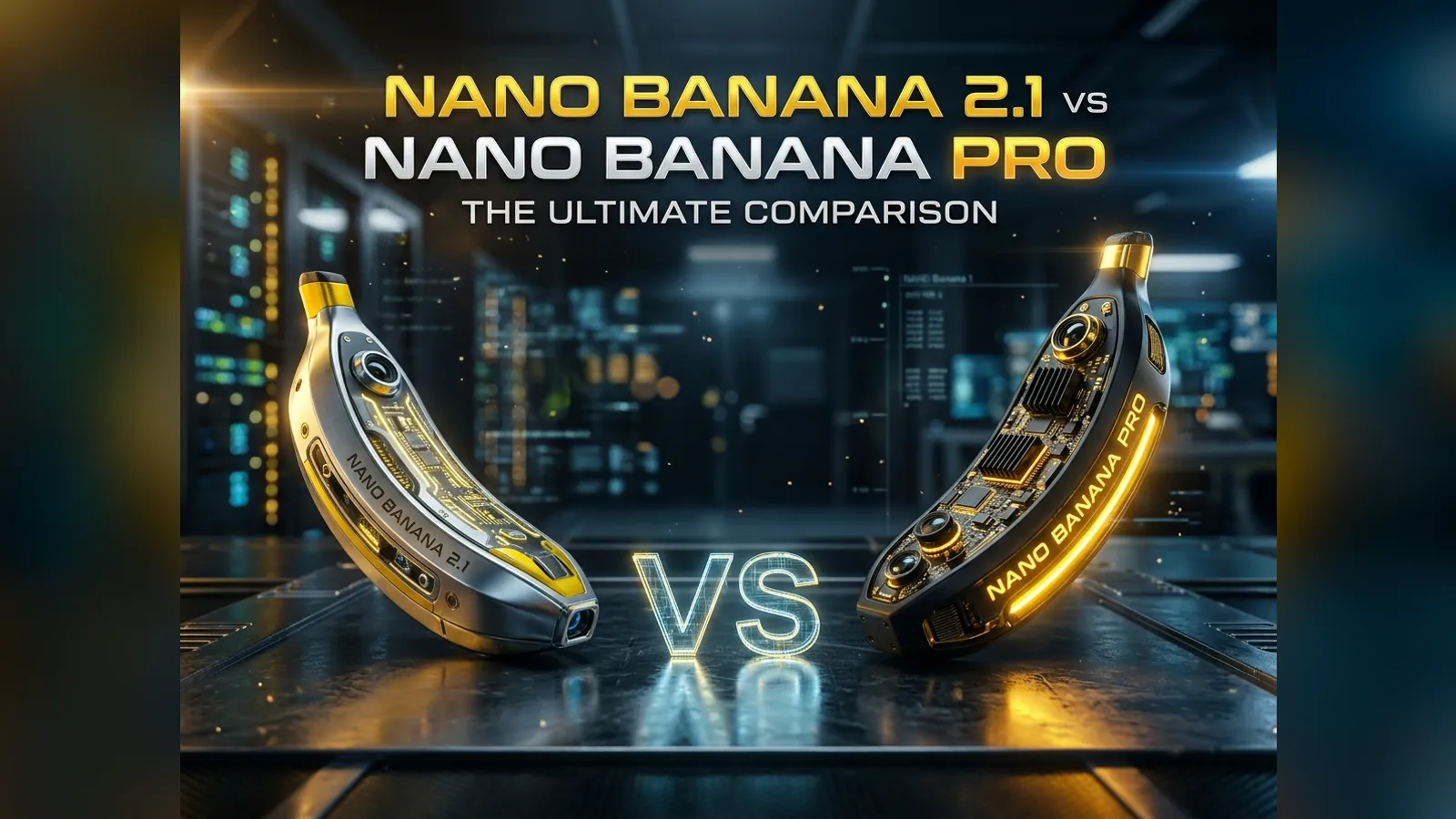
Nano Banana 2.1 vs Nano Banana Pro: Differences, Pricing, and Which to Choose
Compare Nano Banana 2.1 and Nano Banana Pro on image quality, text, complex workflows, reference images, and credit cost, then choose the right model for your project.
On This Page
Nano Banana 2.1 and Nano Banana Pro both support image generation, prompt-based editing, and output up to 4K. This is not a simple case of a new model replacing an old one: 2.1 is geared toward fast iteration and production volume, while Pro targets complex design work and polished professional assets.
If you are unsure where to start, try Nano Banana 2.1. It costs fewer credits and improves on Nano Banana 2 in visual quality and text rendering, making it a practical choice for portraits, product images, posters, and content series. For intricate layouts, data-heavy graphics, high-fidelity product mockups, or multilingual typography, compare the same brief in Nano Banana Pro.
This guide compares the models' intended roles and their current limits and pricing on our platform. Text, maps, and data visualizations can still contain errors, so review anything you plan to publish.
Quick Verdict
| Your task | Try first | Main reason |
|---|---|---|
| Portraits, headshots, and lifestyle photos | Nano Banana 2.1 | Well suited to frequent generation at a lower cost per image. |
| Ecommerce images and social content | Nano Banana 2.1 | Lower iteration cost and up to 14 reference images on our platform. |
| Posters, menus, and labels with limited copy | Nano Banana 2.1 | Improved text rendering makes it a sensible first draft model. |
| Complex layouts or stylized typography | Nano Banana Pro | Designed for professional assets and finer layout control. |
| Infographics, charts, and maps | Nano Banana Pro | Better suited to demanding visual reasoning and clear information hierarchy, though facts still need checking. |
| Long briefs with many constraints | Nano Banana Pro | Optimized for complex design workflows. |
| Character or product series | Nano Banana 2.1 | Supports reference consistency for up to 4 characters and 10 objects. |
| Drafts, A/B tests, and volume generation | Nano Banana 2.1 | A 1K image costs 5 credits, leaving more room to experiment. |
Neither model will win every prompt. Your budget, the complexity of the brief, and how the image will be used matter more than which model was released later.
How the Models Differ
Nano Banana 2.1: An Efficient General-Purpose Model
Released in October 2026, Nano Banana 2.1 is an update to Nano Banana 2. It retains the speed and cost profile of the Flash line while improving visual quality, prompt adherence, character continuity across edits, and text rendering.
It should not be treated as a stripped-down model with no reasoning. Nano Banana 2.1 also supports thinking; its emphasis is simply on efficient production. It is a useful starting point for:
- Realistic portraits, headshots, and styled photography.
- White-background product shots and lifestyle ecommerce images.
- Posters, menus, covers, and labels with short copy.
- Interior concepts based on a room photo.
- Series that reuse the same characters or products.
- High-volume work where cost per usable image matters.
On our platform, a generation can use up to 14 reference images, with support for reference consistency across up to 4 characters and 10 objects. Consistency is not guaranteed: faces, logos, packaging, and fine details should still be checked image by image.
Nano Banana Pro: Complex Design and Professional Assets
Nano Banana Pro is based on Gemini 3 Pro Image. Google positions it as a reasoning-led model for professional design, including complex graphic layouts, high-fidelity product mockups, and factual visualizations that need precise text and real-world knowledge.
Pro is particularly worth testing for:
- Infographics, educational diagrams, charts, and maps.
- Multilingual posters and information-dense marketing material.
- Stylized typography, complex layouts, and brand concepts.
- Long prompts with many objects, relationships, and constraints.
- Product mockups and final assets that need careful detail control.
World knowledge does not make every output factual. Check locations, numbers, labels, and explanatory copy against the original source, and never treat an AI-generated chart as the source of its data.
Nano Banana 2.1 vs Nano Banana Pro: Features and Pricing
| Area | Nano Banana 2.1 | Nano Banana Pro |
|---|---|---|
| Positioning | Efficient generation and editing | Professional design and complex tasks |
| Released | October 2026 | November 2025 |
| Best suited to | Fast iteration, content volume, everyday creative work | Complex layouts, professional mockups, factual visualization |
| Text | Improved over the previous generation | Emphasizes precise text and complex layouts |
| Current reference-image limit on our platform | 14 | 8 |
| Output resolution | 1K / 2K / 4K | 1K / 2K / 4K |
| Credits (1K / 2K / 4K) | 5 / 8 / 15 | 12 / 15 / 25 |
| Prompt-based image editing | Yes | Yes |
| Commercial projects | Permitted subject to the Terms and third-party rights | Permitted subject to the Terms and third-party rights |
The credit difference changes how much room you have to explore. At 2K, 2.1 costs 8 credits per image and Pro costs 15. If you are still testing composition, lighting, or copy, generating several directions with 2.1 is usually more economical. Bring in Pro when layout complexity or detailed control becomes the main challenge.
The reference-image row describes the current limit in our product, not the maximum supported by each underlying API.
Compare Them with Three Prompts
Performance varies by subject and prompt. The most useful test is to run your real brief through both models and judge them with the same criteria.
1. Product Image and Label Text
A professional product photo of a matte black skincare bottle on a white marble surface, soft studio lighting, subtle shadow, the label reading "NIGHT REPAIR SERUM" in clean sans-serif type, 1:1.
Check the material, reflections, bottle shape, and every letter on the label. If you need several compositions, 2.1's lower credit cost is useful.
2. Multilingual Poster
A summer music festival poster with the headline "SUNSET SOUNDS 2027", the date "July 18–20", and the line "Live at Riverside Park", bold retro typography, warm orange and pink gradient sky, 2:3.
Repeat the test in the language you will actually publish, such as Chinese, Japanese, or Arabic. Review line breaks, character integrity, hierarchy, and spacing instead of judging only the first impression.
3. Infographic
A clean infographic titled "How Solar Panels Work" with four labeled steps from sunlight to home electricity, simple icons, a small diagram of a solar cell, flat vector style, white background, 16:9.
This is a good prompt for testing Pro. Compare the layout, but also verify the step order, terminology, and relationships shown in the diagram.
A More Useful Scoring Method
Generate at least three images with each model, then score each category from 1 to 5:
| Category | What to check |
|---|---|
| Prompt adherence | Are the requested subjects, counts, actions, and composition present? |
| Visual quality | Do lighting, skin, materials, and spatial relationships look natural? |
| Text usability | Is the text correct, legible, and arranged with a clear hierarchy? |
| Factual accuracy | Are locations, data, labels, and logical relationships reliable? |
| Reference consistency | Do people, products, and brand elements remain stable across images? |
| Cost per usable image | How many credits did it take to produce one publishable result? |
Image generation is variable. The number of usable results out of three is often a better measure than how impressive the single best image looks.
Final Recommendation
For portraits, product photos, social content, interior concepts, and image series, start with the Nano Banana 2.1 AI image generator. It gives you more room to explore and revise at a lower credit cost.
If the difficult part of the brief is an intricate layout, a professional product mockup, factual visualization, or multilingual copy, add Nano Banana Pro to the same-prompt test. Choose by usable output rate, not the model name.
Both models use the same account and credit balance, so you can switch by project. See the pricing page for the current credit plans.
Frequently Asked Questions
Is Nano Banana 2.1 better than Nano Banana Pro?
Not across every task. Nano Banana 2.1 costs less and suits everyday creation, volume work, and fast iteration. Pro is aimed at complex design and polished professional assets. The right choice depends on the brief, not the release date.
Can both models handle complex prompts?
Yes, but they emphasize different things. Nano Banana 2.1 also supports thinking and prioritizes efficiency, while Pro focuses on professional design and demanding workflows. The more constraints your brief has, the more useful a same-prompt comparison becomes.
Which model is better for text in images?
Start with 2.1 for short headlines, labels, and simple layouts. For multilingual copy, stylized lettering, or complex information hierarchy, test Pro as well. With either model, proofread spelling, numbers, and line breaks before publishing.
How many credits does each model cost?
Nano Banana 2.1 costs 5 credits at 1K, 8 at 2K, and 15 at 4K. Nano Banana Pro costs 12 credits at 1K, 15 at 2K, and 25 at 4K. Failed generations are refunded to your credit balance automatically.
Can I try both models for free?
Yes. New accounts can receive 20 credits without adding a credit card. Check the signup page for the offer currently available when you register.
Can I use the generated images commercially?
They can be used in commercial projects subject to our Terms of Service, applicable law, and third-party rights. Make sure you have permission to use any uploaded photos, logos, trademarks, or copyrighted material.
Blog
Related Contents
MiniMax H3 vs Seedance 2.5: Which AI Video Model Fits Your Workflow?
A clear MiniMax H3 vs Seedance 2.5 guide for creators comparing short clips, native sound, references, longer scenes, and editing control.